Where to sell a skin best: buy order, listing or Steam
CS2Price · 2026-07-21 · 7 min read · 236 views ·
"How much can I sell a skin for" is a question with three answers. The price depends not on the item but on the method, and the spread between methods on the same skin is usually 10–20% — up to 40% on illiquid items. We'll go through all three, count the fees per marketplace, and show exactly where the money leaks.
1. Sell to a buy order ("buying at")
This is an instant sale: a buyer with a price already stands on the marketplace, you hit "sell" and get the money right away. It's the lowest of the three — the buyer bakes in their margin. A quantity always sits next to the order: "$3.10 ×442" means 442 units will be taken at that price. If the quantity is small, the first sale knocks the order down to the next step and you'll hand over the second copy cheaper.
2. List an item ("asking")
You set the price yourself and wait for a buyer. It's higher than a buy order, but the sale isn't instant and the marketplace takes a fee. On the item card we show the net — what actually reaches you after the fee, not what the buyer sees in the list.
The gap between "buying at" and "list, net" is what you pay for speed. Sometimes 3%, sometimes 40%. Always look at both numbers before selling.
3. Steam Community Market
Steam charges 13% and the money can't be withdrawn — only spent inside Steam. In exchange, liquidity is enormous: there is always a buyer. The rule is simple: buying is cheaper on third-party markets, selling is often better on Steam if the balance goes to games anyway. If you need cash, Steam drops off the list no matter how attractive the price tag looks. The reverse works too: moving money INTO the wallet is also cheapest via skins — rates and mechanics in funding your Steam wallet below face value.
The fee is nine different numbers, not one
"The fee is around 5–10%" is the most expensive inaccuracy in any conversation about selling skins. Here are the rates we use to compute net proceeds per marketplace:
YouPin898 — 1%, CSFloat — 2%, BUFF163 — 2.5%
Market.CSGO, LIS-SKINS, CS.MONEY — 5%
Waxpeer — 6%
Skinport — 12%, Steam — 13%
The gap between 2% and 13% is eleven percent of your revenue, and almost nobody looks at it because price lists show gross numbers. A marketplace with the highest "asking" figure easily drops to third place after fees. That's why we display net everywhere: what should be compared is what actually arrives. Icons, types and verdicts for every marketplace — in the full CS2 marketplaces overview.
Why "list" isn't the highest price on the list
Taking the maximum across marketplaces and calling it a recommended price is bad advice. Every listing pool has outliers: a seller who priced a skin at triple the market because they don't actually intend to part with it. Such a listing hangs for months and affects nothing.
So our "list" figure is computed over the sane part of the market: we take the median of all asks and the cheapest ask, then drop everything priced above 2.5× the lower of the two. Among the rest we pick the marketplace with the best result after its own fee. The number in the "list" button is already net, on a sane listing, not one seller's fantasy.
Liquidity matters as much as price
A price without liquidity is just a number. A skin with three copies for sale will take weeks to move at any price, and its "market" value is made of exactly those three listings and shifts with a single trade. That's why the item card shows how many live listings exist right now and what the skin actually sold for over recent days — with the float of every sale. Expensive knives show this best: grails like Ruby Dopplers have a handful of listings on the whole market — see the CS2 knife hub.
The "Recent sales" block beats any average: an average is built from what people ask, while sales show what buyers paid. If your intended price sits noticeably above the last trades, the sale will drag, and the real question isn't "what price" but "am I willing to wait".
Check it on live numbers
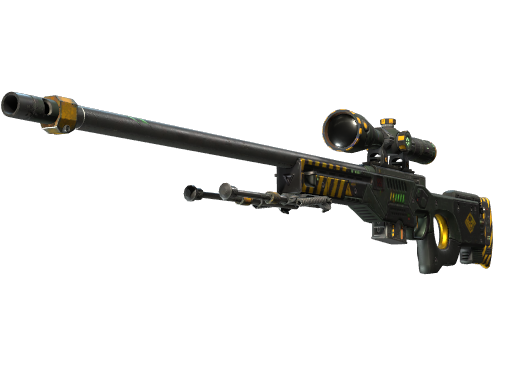
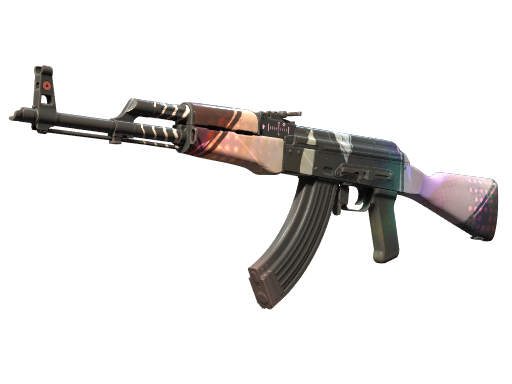
Two liquid items — open a card and you'll see all three prices side by side (order / list-net / Steam) across 11 sources, all from our database. The numbers below are live and load with the page:
On an item page, read it in order: first "Sell now: buy orders" — the order and the "you receive" column with the fee already deducted; then "Recent sales" — actual trades; then "Price history". The spread between the cheapest and priciest marketplace is computed and shown in the questions at the bottom — on liquid skins it's usually 30–45%.
Price history: sell now or wait
Under the prices on every page there's a chart for recent weeks with the low, the high, their dates and the number of samples behind it. Not decoration: if an item sat flat all month and jumped 15% yesterday, you're most likely looking at a one-off buyout and the price returns tomorrow. And if the chart has been sliding for three weeks, waiting for "a better moment" is pointless — it already passed.
The bell: when Steam is cheaper than the markets
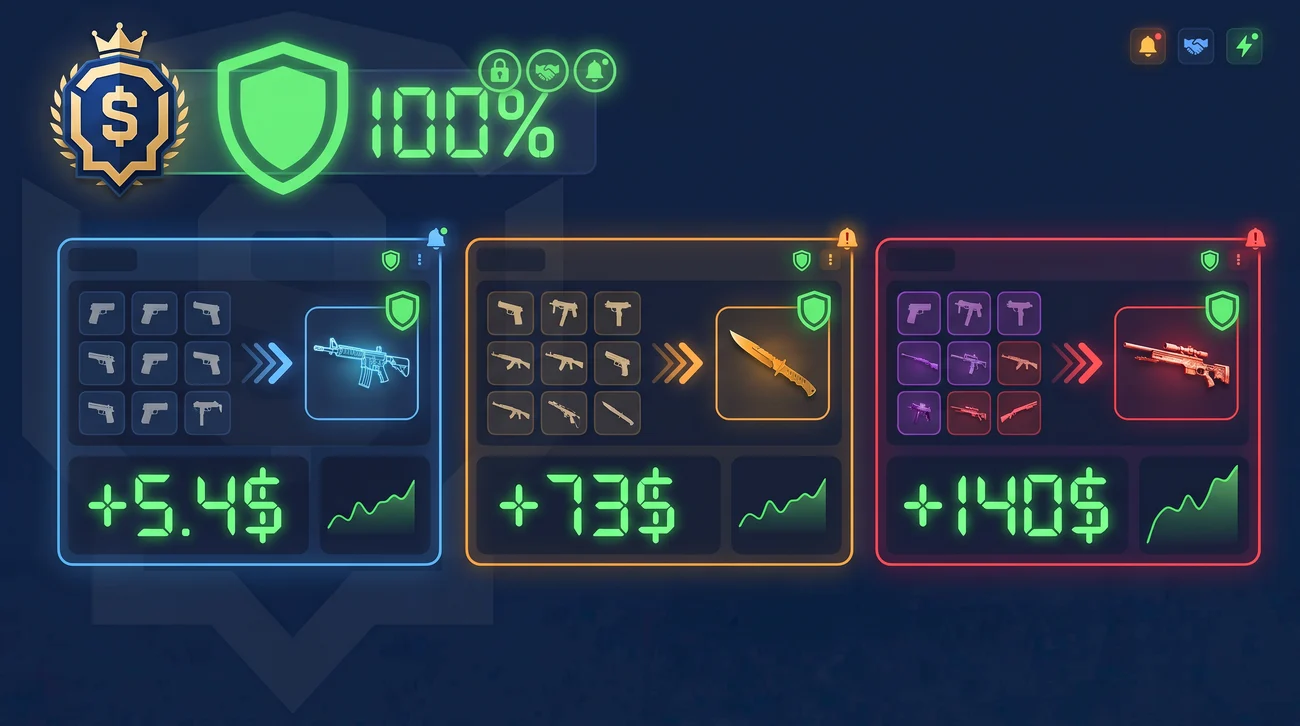
The inverse task — not selling yours but finding someone else's below market. The bell's "Platform" tab holds verified pairs: buy on Steam at X, exit via order or listing on a specific marketplace at Y, difference in percent. That tab is open to everyone. The neighbouring "Prices" tab catches listings that dropped more than 20% and fell below the market floor — that one is club-only.
What to do before selling
Opened the item card and looked at all three prices, not just the one on your usual marketplace.
Compared net figures: Skinport and Steam charge five times what CSFloat does.
Checked the order quantity — enough for your whole batch?
Looked at recent sales: your price should sit near them, not near the priciest listing.
Decided whether you need withdrawable cash — if yes, Steam is out at any price.
Glanced at the history: not selling into a one-off dip?
All of the above is computed from our own database, not requested from marketplaces at the moment you click: about 288,000 current prices across 11 sources, nearly 3 million live listings and over 8 million price-history points. That's why an item card opens in a fraction of a second and doesn't depend on whether someone else's server is responding.
Why is the sell price on the card lower than what I see on the marketplace?
Because we show net — the amount after the marketplace fee. Of a $100 list price, Steam pays you $87, Skinport $88, CSFloat $98. Marketplace listings usually show gross numbers, which cannot be compared to each other directly.
Which is better: a buy order or listing?
The order is faster, the listing pays more. The gap between them is the price of speed, and it varies: 3–5% on a liquid skin, up to 40% on a rare wear. Both numbers sit side by side on the card so you can decide per item, not by habit.
Is Steam really better than third-party markets?
By list price often yes; by real money only if the balance is going to be spent inside Steam anyway. The 13% fee and no cash withdrawal make Steam a good place to sell and a bad place to earn.
Where do the prices come from and how fresh are they?
We collect them ourselves from 11 sources and store them in our own database. Some markets update every 30–40 minutes, some less often; the actual data age is shown in the "freshness" column on the item card, including how many minutes ago we saw each price.
What is a "healthy" listing in the list-price calculation?
A listing priced at no more than 2.5× the lower of two numbers: the median of all offers and the cheapest offer. Anything above that counts as an outlier and is excluded — otherwise one seller with an inflated price would skew the recommendation for everyone.
How can I tell an item will sell fast?
By the number of live listings and the recent-sales block. If there were many sales in the last days close to your price — it will sell. If there are only a few listings and no sales at all, the listed price means nothing.
 CS2Price